Do You Really Need a Website to Start Digital Marketing? (Here’s the Honest Answer)

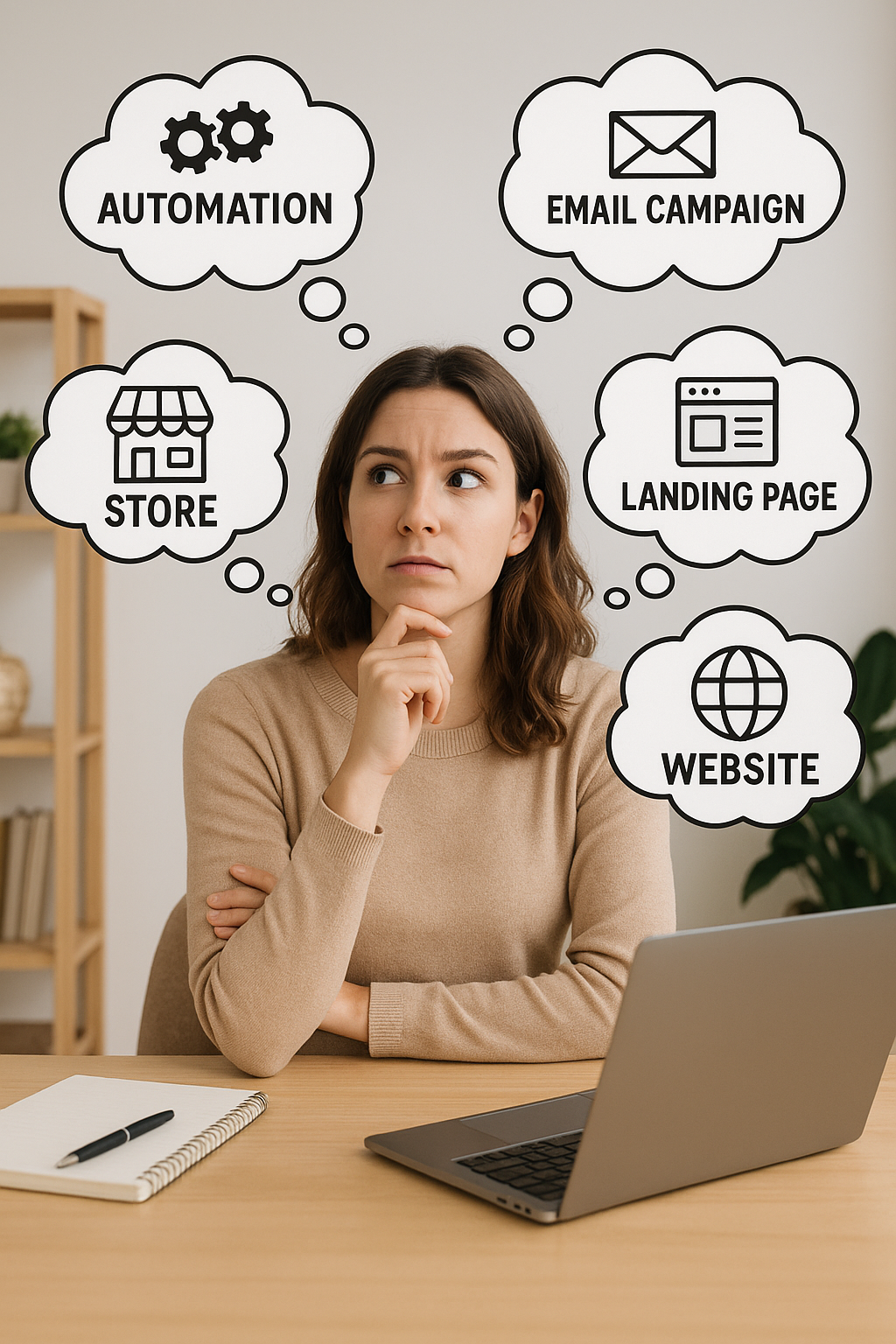
Do you need a website for digital marketing?
If you’re starting digital marketing, whether it’s: affiliate marketing, social media content, digital products, or freelancing, you’ve probably asked yourself this exact question. And honestly…it depends.
Some people start without a website and do just fine in the beginning. But if you’re trying to build something real, something that lasts, having a website gives you control, credibility, and long-term options that social media alone just can’t.
In this post, I’ll break down when a website is truly necessary, when it’s optional, and why I still recommend owning one early, even if it’s simple.
Quick Answer: Do You Need a Website for Digital Marketing?
Here’s the simplest truth:
- You NEED a website if you’re blogging, for brand control, e-commerce, SEO or building long-term traffic
- You DON’T technically need one to start affiliate marketing, selling digital products, or freelancing
…but having a website still gives you a major advantage.
Think of it like this:
Social media is like renting an apartment. A website is like owning your home. Both can work, but one gives you way more stability.
Why People Start Without a Website (And It Makes Sense)
If you’re new, a website can feel like:
- too technical
- too expensive
- too time-consuming
- one more thing to “figure out”
And if you’re already overwhelmed, starting with something like TikTok, Instagram, Pinterest, or Facebook can feel easier. That’s not wrong.
You can begin digital marketing without a website. But the real question is…Will you eventually want one? In most cases: yes.
When a Website IS 100% Necessary
Let’s start with the scenarios where a website isn’t optional.
1) If You Want to Blog (and Rank on Google)
If your plan includes blogging, SEO, or writing content that shows up in search results…
✅ You need a website.
A blog needs a home. That home is your website.
This is how people build long-term traffic that can bring visitors every day, even while you’re sleeping.
2) If You Want to Build an Email List the “Safe” Way
Yes, you can collect emails using tools like MailerLite, Systeme.io, Stan Store, or ConvertKit…
But having a website gives you:
- a permanent place to send people
- a branded link-in-bio (i.e. digitalmidlife.com/link-in-bio)
- a home for your freebie + opt-in
- a blog to attract subscribers organically
- better trust (“this feels legit”)
Even a simple one-page site helps.
3) If You Want to Look Professional (Especially for Services)
If you want to do freelancing, coaching, consulting, virtual assistant work, social media management, etc…A website is a huge credibility booster.
You don’t need a 10-page website either.
Even just a clean site with:
- what you do
- who you help
- a contact form
- examples or testimonials
…can be enough to help you land clients faster.
When a Website is NOT Required (But Still Helpful)
Now let’s talk about areas where you can start without a website.
1) Affiliate Marketing Without a Website
Yes, you can do affiliate marketing without a website. Some people promote affiliate products through:
- TikTok
- Instagram Reels
- YouTube
- Pinterest (with direct linking where allowed)
- Facebook groups
- email marketing platforms
BUT here’s what beginners don’t realize:
Many affiliate programs still prefer (or require) a website to approve you. And even when they don’t… you’ll eventually want a place to send people besides a random link.
A website gives you a clean “middle step” like:
- a product review page
- a “resources” page
- a comparison post
- a beginner guide
That’s how affiliate marketing becomes consistent.
2) Selling Digital Products Without a Website
You can sell digital products using:
- Stan Store
- Systeme.io
- Etsy
- Gumroad
- Payhip
So no, you don’t need a website to make your first sale. But here’s what happens as you grow:
You’ll want a place where people can:
- learn about you
- trust you
- browse your products
- read helpful content
- join your email list
That’s when a website becomes your “brand home base.”
3) Social Media Content Creation (UGC / Influencer Style)
If your plan is mostly:
- brand deals
- UGC (user-generated content)
- growing a TikTok or IG account
…you don’t need a website to start.
But even then, having a website can help you look more established and gives you a place to host:
- your media kit
- a portfolio
- a contact page
This can be the difference between “small creator” and “professional creator.”
The Real Reason I Recommend a Website (Even if It’s Simple)
Even when a website isn’t required, I still recommend getting one for one big reason:
Your website is the only thing you truly own online.
Social platforms can:
- change the algorithm
- reduce your reach
- suspend your account
- remove your links
- shut down your page
- disappear tomorrow
A website doesn’t have those problems. It’s your digital home base.
The 5 Biggest Benefits of Having a Website Early
Here’s what a website gives you (even if you’re brand new):
1) You lock down your domain name
Getting your .com early is smart. Even if you don’t build the full site yet, owning your domain protects your brand name.
2) You can create a custom email address
This is one of the fastest ways to look legit.
Instead of:
📧 digitalmidlife@gmail.com
You can have:
📧 hello@digitalmidlife.com
That tiny upgrade makes a big difference.
3) You build trust faster
People trust websites. Even a simple one-page website can make someone feel like:
“Okay, this person is real.”
4) You can grow beyond social media
A website gives you options like:
- blogging
- SEO traffic
- Pinterest traffic
- email list growth
- long-term affiliate income
It becomes your long-term strategy.
5) You’re building an asset (not just posting content)
A social account is great. But a website is an asset you build over time. And assets can eventually create:
- passive income
- authority
- long-term traffic
- sales on autopilot
What If You’re Not Ready to Build a Full Website Yet?
Perfect. You don’t have to. Here’s the easiest beginner-friendly approach:
Step 1: Buy Your Domain (Even If You Do Nothing Else)
Even if you’re not ready to build a full website yet, I strongly recommend buying your domain name early.
Locking down your .com protects your business name and gives you the option to grow later, without scrambling if someone else grabs it.
I personally use Hostinger for all of my domains (I have a lot of ideas) and both of my blog websites. I like it because it’s beginner-friendly, affordable, and doesn’t overcomplicate the setup process.
If you decide to start a website now (or later), Hostinger makes it easy with:
- Free domain (with most plans)
- Professional email address
- Hosting + website builder
- WordPress option with AI setup
- Simple drag-and-drop tools for beginners
- Easy domain transfers from other hosting platforms
👉 You can use my Hostinger referral link here to save 20% and get everything set up in one place.
Step 2: Start With a Simple Website (Not a Full Blog)
Hostinger also offers an AI website builder that’s very beginner-friendly if you just want something live quickly.
If you plan to blog long-term, you can choose the WordPress option, which also includes AI setup tools and starter templates to speed things up.
When you’re starting out, your website can be as simple as:
- a homepage
- a short “About” section
- a contact page
- links to your social media
That’s it. You can build this in an afternoon and expand later as your business grows.
Hostinger’s business plan includes your free domain, professional email address, hosting and website.
This can literally be:
- a homepage
- a short “about” section
- a contact form
- links to your social media
That’s it. You can build it in one afternoon.
Step 3: Add pages as you grow
Expanding your site is as simple as adding a page.
Later, you can add:
- blog posts
- a freebie landing page
- a resource page
- product pages
- affiliate disclosures
No pressure to do everything on day one.

The Best “Starter Website” Setup (Simple + Beginner-Friendly)
If you want the easiest path, here are 3 solid options:
Option A: WordPress + Hosting (Best long-term)
Best for blogging, SEO, and building a real brand.
Option B: AI Website Builder (Fastest setup)
Great if you want something live quickly with minimal effort.
Option C: Simple Landing Page Tool (Great for beginners)
Perfect if you’re starting with a freebie or digital product first.
The best choice is the one you’ll actually use.
My Recommendation (If You Want the Smart Answer)
Here’s my honest recommendation for beginners:
✅ If you’re serious about digital marketing, get a website.
This offers the ability to add a store down the road if you decide to sell physical or digital products. You can also create your link-in-bio right inside your own website vs. paying for a link-in-bio platform. This is great for branding.
Even if it’s small. Even if it’s simple. Even if it’s just one page for now.
Because the sooner you lock down:
- your domain name
- your brand identity
- your email address
- your “home base”
…the easier everything becomes later.
Final Thoughts: Website vs No Website
If you’re stuck overthinking whether you need a website, here’s the real takeaway:
You don’t need a website to start digital marketing, but you’ll almost always want one to grow.
A website gives you a home base you control, a place to send traffic, and flexibility to expand into blogging, affiliate marketing, email lists, or selling products later.
And the good news? Your website doesn’t need to be big, perfect, or complicated. Even a one-page site with your domain name, contact info, and a short explanation of what you do is enough to get started.
Digital marketing already comes with a learning curve. Your website doesn’t need to add pressure, it just needs to exist.
Frequently Asked Questions
Do you need a website for digital marketing?
No, you don’t need a website to start digital marketing, but having one gives you more control, credibility, and long-term growth options. Many people begin with social media, but most eventually add a website as they scale.
Can you do digital marketing with just social media?
Yes, you can do digital marketing using only social media platforms like TikTok, Instagram, YouTube, or Facebook. However, social media accounts are rented platforms. A website gives you a permanent home base you fully own and control.
Do you need a website to start affiliate marketing?
Not always. Some affiliate programs allow promotion through social media or email marketing without a website. That said, many programs prefer or require a website for approval, and having one makes affiliate marketing more consistent long-term.
Is it worth buying a domain name if I’m not ready to blog yet?
Yes. Buying your domain name early protects your brand and gives you flexibility to build later. Even if you only use it for a simple one-page website at first, owning your domain is a smart long-term move.
What’s the cheapest way to start a website for digital marketing?
The cheapest option is to buy a domain and use a simple website builder or WordPress hosting plan. Many hosting providers include a free domain, email address, and website builder, making it affordable for beginners.
Can I sell digital products without a website?
Yes, you can sell digital products using platforms like Stan Store, Etsy, Gumroad, or Systeme.io without having your own website. However, a website gives you more branding control, better trust, and room to grow beyond one platform.
Do I need a website if I want to freelance or offer services?
While not required, a website helps you look more professional and makes it easier for clients to understand what you offer, see examples, and contact you. Even a simple service page can make a big difference.
Is a one-page website enough to start?
Yes. A one-page website with a short description of what you do, who you help, and how to contact you is more than enough when you’re starting. You can always add pages later as your business grows.