Is an AI Avatar Right for Your Online Business in 2026?
When I decided to build a digital business in my 50s, I knew one thing for sure: I wanted to maintain my privacy. I was drawn to the idea of faceless digital marketing, but traditional faceless content (stock videos, generic photos, and overused clips) never felt like me or the brand I wanted to build.
I didn’t want to hide. But I also didn’t want my real face all over social media.
Inside Digital Wealth Academy (DWA), I found a module on creating your own AI twin or digital avatar. And suddenly, everything clicked. Building Ava didn’t feel forced, awkward, or “fake.” It felt fun, creative, and aligned with where online business is heading.
And most importantly? She allows me to show up with personality, style, and presence without sacrificing privacy.
What is an AI Avatar?
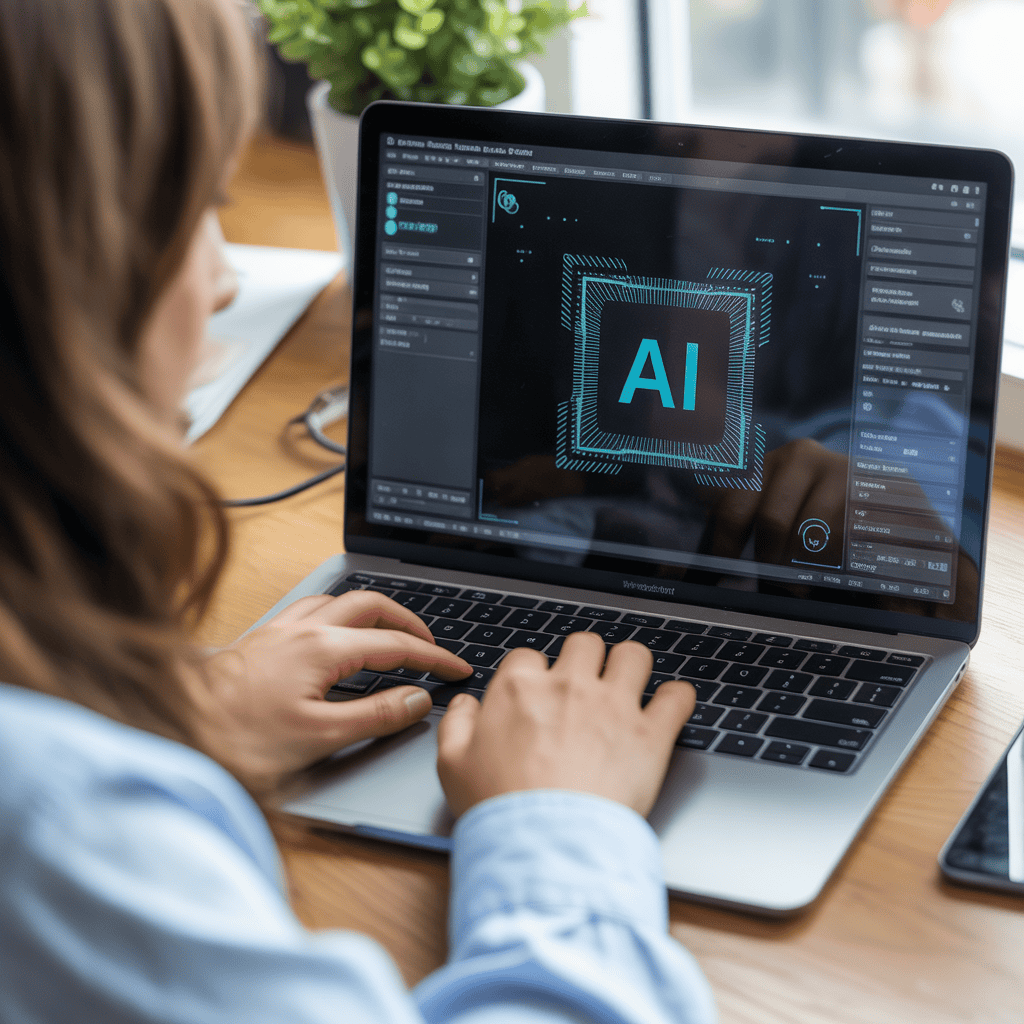
An AI avatar is a digitally created character that represents you or your brand online. Think of it as a visual stand-in that can appear in videos, social media posts, and marketing content without you ever stepping in front of a camera.
Unlike stock photos or generic imagery, an avatar is uniquely yours. It’s consistent, recognizable, and can be customized to match your brand’s personality and style. And with today’s AI tools, creating one is surprisingly accessible, even if you’re not tech-savvy.
Benefits of Using an AI Avatar
Privacy Protection You can build a public-facing brand without exposing your personal life, family, or identity online. This was my #1 priority.
Consistency Ava always looks polished and on-brand. No bad hair days, no lighting issues, no “I don’t feel like being on camera today” excuses.
Creative Freedom I can put Ava in any setting, outfit, or scenario without the limitations of my real schedule, location, or wardrobe.
Time Efficiency Once created, I have a library of images and videos ready to use. No filming sessions, no editing out mistakes, no reshoots.
Comfort for Camera-Shy Entrepreneurs If you freeze on camera or feel self-conscious about your appearance, an avatar removes that barrier entirely while still giving your brand a face.
Professional Branding Ava gives Digital Midlife a polished, modern look that stands out from typical faceless content without requiring me to become a content creator influencer.
AI Avatar vs. Traditional Faceless Marketing
| Traditional Faceless Marketing | AI Avatar |
| Stock photos everyone recognizes | Unique character only you use |
| Generic, impersonal feel | Warm, relatable personality |
| Limited variety and customization | Endless lifestyle scenarios |
| Still images only (mostly) | Can create video content |
| No brand recognition | Builds consistent visual identity |
| Often feels disconnected from content | Becomes the face of your brand |
The biggest difference? Traditional faceless marketing can feel anonymous and distant. An avatar gives you presence and personality without sacrificing privacy.


How I Create My AI Avatar (Ava)
DWA walks you through the process step-by-step, but here’s a simple overview of how I did it, in case you’re curious or considering something similar.
1. Starting With a Reference Photo
I used a professional headshot from my old corporate days and uploaded it to ChatGPT. I asked ChatGPT to create a detailed prompt to generate a woman in her mid-50s who resembled me, without being an exact copy. I wanted someone who could represent the brand authentically without being identifiable as me.
The prompt was incredibly detailed, down to skin texture, eye depth, and even subtle expression lines that make a face look real.
Always run your generated image through reverse image search tools (Google Lens, TinEye, Yandex, Google Images) to confirm it doesn’t match an actual person’s photo. This protects both you and others.
2. Generating the Avatar Image
I pasted that prompt into my preferred AI image tool and regenerated the photo until I found a version that felt right: warm, relatable, realistic, and someone who could look like me, but wasn’t me.
3. Expanding Her Look With Lifestyle Images
Once I had the base photo, I used two AI tools: Fal to create the Avatar image and Krea (Runway Gen-4) to generate dozens of lifestyle versions of her:
- different outfits
- different settings
- different moods
- different angles
- different hairstyles
This gave Ava a full “library” of looks to use in my content.
4. Bringing Her to Life With Video
This part was the most fun, animating my avatar.
I uploaded selected lifestyle photos into Veo3 and used ChatGPT to help me write animation prompts specifying movement, gestures, expressions, and even tone.
This allowed me to turn still images into short, realistic videos that I can use for Reels, TikToks, and website content.
5. Time Investment
The entire process took a couple of weeks, only because I wasn’t working on it consistently. With focus, it could be done much faster but honestly, I enjoyed taking my time and experimenting.
6. Cost Investment
Here’s what I invested to create Ava:
Free Tools:
- ChatGPT for prompt generation
- Initial testing and experimentation
Paid Tools:
- Preferred AI image generator – varies by platform, typically $10-30/month
- Krea (for lifestyle images) – subscription or credits-based
- Veo3 (for video animation) – pricing varies depending on the platform you use. I use it through Krea so it’s included in my subscription.
Total estimated monthly cost: $30-60 depending on how much content you create.
Compare that to:
- Professional photo shoots ($500-2000)
- Video production ($1000+)
- Stock photo subscriptions that still look generic
For me, it was an affordable investment that gives me unlimited content creation possibilities.
7. Technical Aspect
What You Need:
- A reference photo (even an old one works)
- Access to AI tools (ChatGPT, image generator, video animator)
- Basic comfort with uploading files and copying/pasting prompts
- Patience to experiment and refine
What You DON’T Need:
- Advanced tech skills
- Graphic design experience
- Video editing knowledge
- Expensive equipment
The Learning Curve: Honestly? It’s easier than learning to edit video or master Canva. The AI does the heavy lifting. You’re just guiding it with prompts and selecting what looks right. A good prompt is the key or you’ll get some interesting results.
The DWA module made it simple with templates and examples, walking you through the process start to finish. The tools themselves are intuitive enough for beginners with the right prompt.
Ethical Concerns/Best Practices
Transparency Matters
I’m upfront about using an AI avatar. I’m not trying to deceive anyone into thinking Ava is a real person posting selfies. She’s a digital representation of my brand, and I’m comfortable owning that.
When to Disclose:
- In your About page or bio
- If someone directly asks
- In any context where authenticity matters to the relationship
When It’s Okay Not to Mention:
- Every single social media post
- Marketing graphics or blog images
- Content where the focus is the information, not the person
My Personal Guidelines:
- Never claim Ava is a real person
- Never use her to impersonate or deceive
- Always maintain authentic voice and messaging behind the avatar
- Use her as a creative tool, not a mask for dishonesty
The Bottom Line: An avatar is ethical when it’s a creative choice for privacy and branding, not a tool for deception. Just like companies use mascots, logos, or brand models, an avatar is simply your visual brand identity.
What Will I Use Ava For?
Ava will be the official “face” of Digital Midlife allowing me to run my business with privacy AND personality.
She’ll appear in:
- Reels
- Short videos
- Pinterest Idea Pins
- Social posts
- Website graphics
- Blog visuals
- Future mini-courses or tutorials (possibly!)
Where I won’t use Ava:
- Pinterest standard pins – Pinterest users respond best to lifestyle imagery that matches the specific blog content topic, so I reserve Ava for Idea Pins where personality and movement matter more.
- Facebook Blog Post Updates – When sharing blog posts on Facebook, engagement is higher when the image directly relates to the article content. A photo of a serene workspace performs better for a productivity post than Ava’s face. People scroll Facebook quickly, and they need to instantly understand what the content is about from the image alone.
She gives me the freedom to show up consistently without worrying about perfect hair, makeup, lighting…or even wanting to be on camera at all.
Is An AI Avatar Right For You?
Here’s when an avatar might be a great fit:
- You want to build a brand without showing your face
- You don’t feel comfortable on camera (yet or ever)
- You don’t like using generic stock footage
- You want your faceless content to feel more personal
- You want a unique identity people can connect with
- You want something recognizable and consistent
And here’s when you might not need one:
- You love filming yourself
- You already show up confidently on camera
- You want to build a personal brand around your real face
But here’s the truth…using an avatar is not “fake,” it’s giving yourself permission to build a business on your own terms, without apology.
Addressing Audience Concerns
“Won’t people feel deceived?” Not if you’re transparent about it. People understand branding. They know Disney characters aren’t real, but they still connect with them. Ava is my brand’s visual identity, not an attempt to catfish anyone.
“Will it feel authentic?” Yes, because authenticity comes from your voice, your message, and your values, not from whether the image is a photograph or a digital creation. My writing is still me. My advice is still genuine. Ava is just the visual wrapper.
“What if the technology is obvious?” Today’s AI tools create incredibly realistic images and videos. Most people won’t notice unless you tell them or they’re looking for it. And honestly? Many people appreciate the innovation and creativity.
“Is this the future of online business?” Increasingly, yes. As AI tools become more accessible, more entrepreneurs will use avatars, especially those who value privacy or struggle with being on camera. You’re not behind the curve, you’re ahead of it.
It’s just another creative tool similar to a mascot, brand model, or digital character that helps you show up in a way that feels comfortable and aligned.
And for me? It was the perfect solution.
Final Thoughts
Creating Ava has been one of the most enjoyable and empowering parts of building Digital Midlife. She allows me to maintain my privacy while still creating warm, relatable, visually appealing content.
If you’re thinking about an AI avatar or faceless marketing, don’t let fear or uncertainty stop you. You can build a brand your way, even in midlife, even with no tech experience, and even if you’re introverted or private.
If you’re interested in learning more about digital marketing, subscribe to Digital Midlife and receive my free guide Your Digital Marketing Roadmap.